

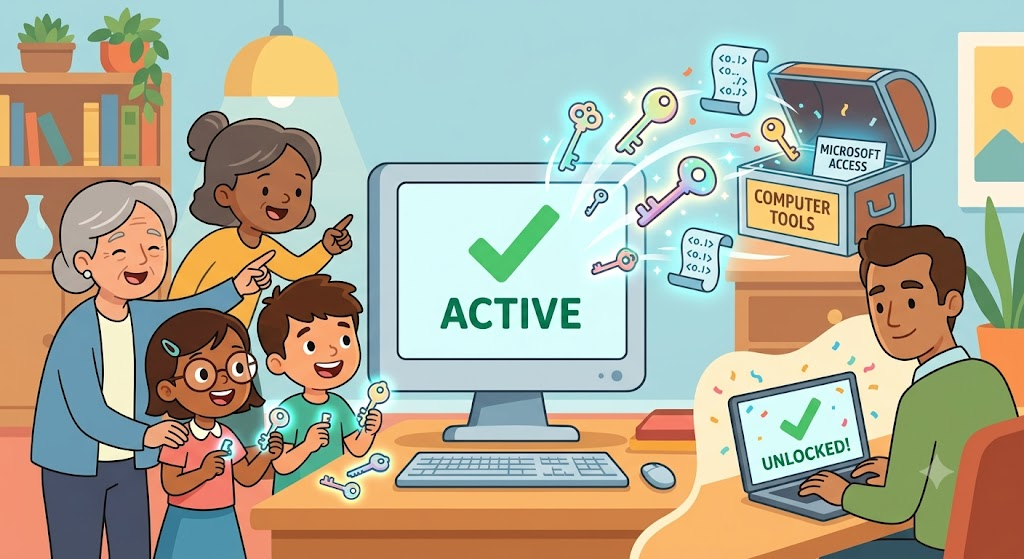
Have you ever turned on a computer and seen a message saying your system is not active? It can be very annoying. Today, we will learn about Microsoft Activation Scripts. Think of these scripts as a magic key for your computer tools.
We will talk about how these tools work in a very simple way. You do not need to be a computer wizard to understand this. We want to make sure everyone can follow along easily. Let us dive right in and make computer life easier!
What Are Microsoft Activation Scripts?
A script is just a list of tiny computer commands. Microsoft activation scripts are small files that help turn on your computer system or office tools. Instead of clicking many buttons, the script does the hard work for you.
Many people use an open-source tool called MAS. It is popular because it is free and safe to open and view. It uses different smart ways to tell your computer that it is ready to use.
Why Do We Need to Activate Our System?
When you get a new bicycle, you take off the plastic wrap and pump up the tires before riding. Activating your computer system is like that. It tells the software maker that you are ready to use the machine.
Without this step, some features might stay locked. You might see a little picture on your screen telling you to get a key. Turning on your system removes those limits.
How the Magic Works in Simple Steps
The script works by talking to the system’s licensing service. It acts like a helper that tells your computer the green light is on. It uses simple methods like HWID or Ohook to get the job done quickly.
- HWID: This stands for digital license. It ties the active status to your special computer parts.
- KMS38: This helps turn on versions for a long time using a local helper.
- Ohook: This is a neat trick just for office tools.
Are These Tools Safe to Use?
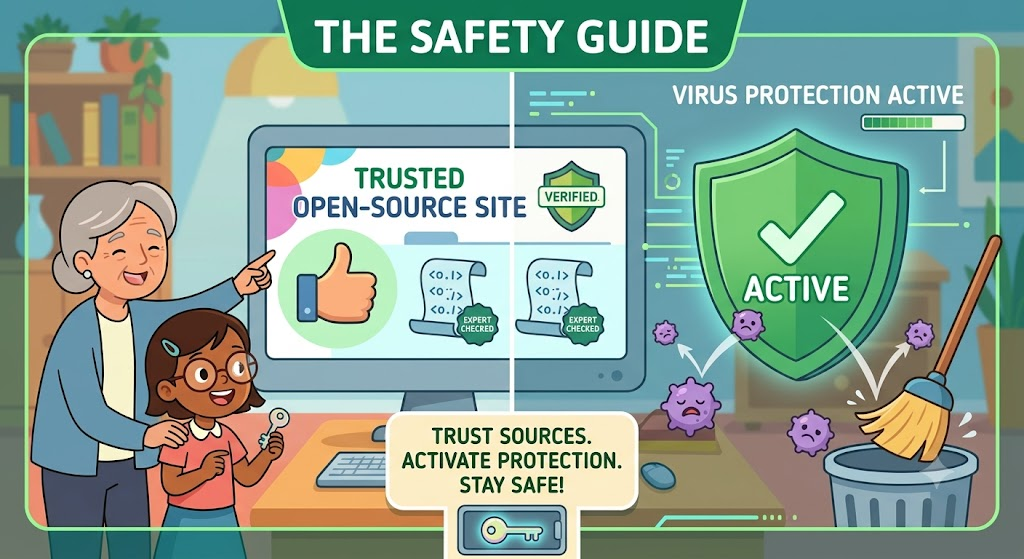
Safety is always the number one question. Most people get these tools from safe open-source websites. Because the code is open, experts can check it for safety bugs.
Always make sure you trust the website you visit. Keep your virus protection turned on. This keeps your computer happy and healthy.
Quick Look at Activation Types
Here is a quick table to help you see how the different methods compare.
| Method Name | Best Used For | How Long It Lasts |
| HWID | Windows System | Forever |
| KMS38 | Windows System | Until Year 2038 |
| Ohook | Office Tools | Forever |
Step-by-Step: How to Run the Tool
Using the script is as easy as tying your shoes. You just need a few clicks. Follow these simple steps carefully.
- Turn off your virus guard for a minute so it does not block the file.
- Visit the trusted project page to get the script.
- Extract the downloaded file to your desktop.
- Right-click the special file and choose to run as the boss (admin).
- A dark box will pop up on your screen.
- Press the number on your keyboard for the tool you want.
What Happens After You Press the Button?
Once you press the button, the dark box will do its job in seconds. You will see some text scroll by. Do not worry; it is just the script talking to your computer.
When it finishes, it will say the job is done. You can close the box. Restart your computer just to make sure everything settles in nicely.
Checking If Your System Is Active
It is always good to check your work. You can easily see if the trick worked.
Click your start button and go to settings. Look for the system tab and click on active status. It should say that your machine is now fully turned on.
Real-Life Example from My Own Desk
Last week, my old laptop lost its active status after a big update. It was very frustrating. I could not change my desktop picture.
I used the simple script tool. Within two minutes, my screen was back to normal, and my wallpaper was working again. It saved me a lot of time and worry.
Fun Facts About System Scripts
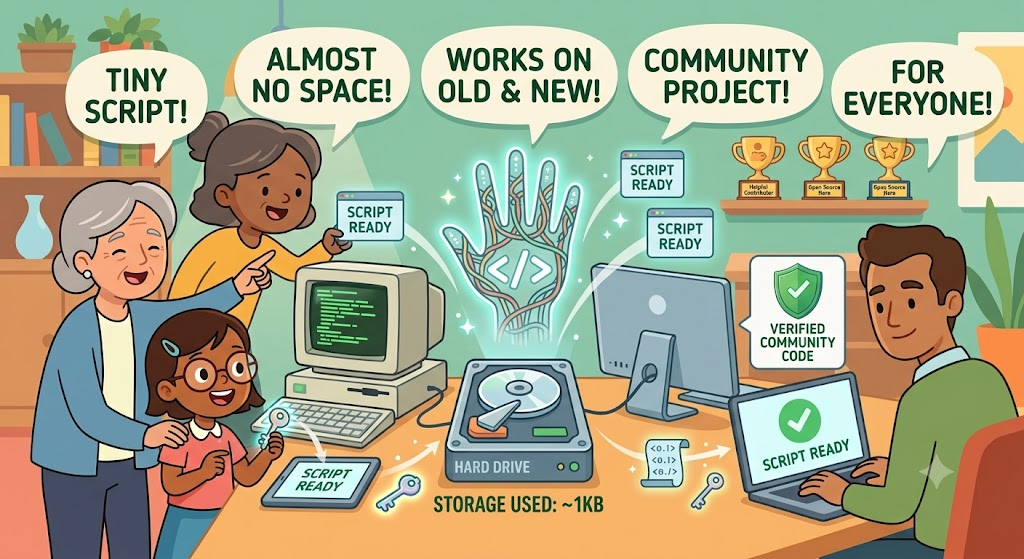
Did you know these scripts are tiny? They take up almost no space on your hard drive. They work on both old and new computer types without trouble.
They are made by helpful people on the internet who want to make tech easy for everyone. It is a great community project.
Frequently Asked Questions
Will this tool harm my computer?
No, if you get it from the correct official page, it is safe. It only fixes license files.
Do I need internet to run it?
Some methods need the web, but others can do the job completely offline.
Can I use this on my office tools?
Yes, methods like Ohook are made just for those specific office programs.
Is this method permanent?
Yes, methods like HWID give you a permanent digital license that stays even if you reset.
Does it change my personal files?
No, it only touches system files and leaves your pictures and games alone.
What should I do if it fails?
Just turn off your virus guard, restart the computer, and try running the file as admin again.
Conclusion
Now you know all about microsoft activation scripts. It is a handy trick to keep in your tech toolkit.
Why not give it a try if your computer needs a little help today? Drop a comment below and tell us how it went for you!
